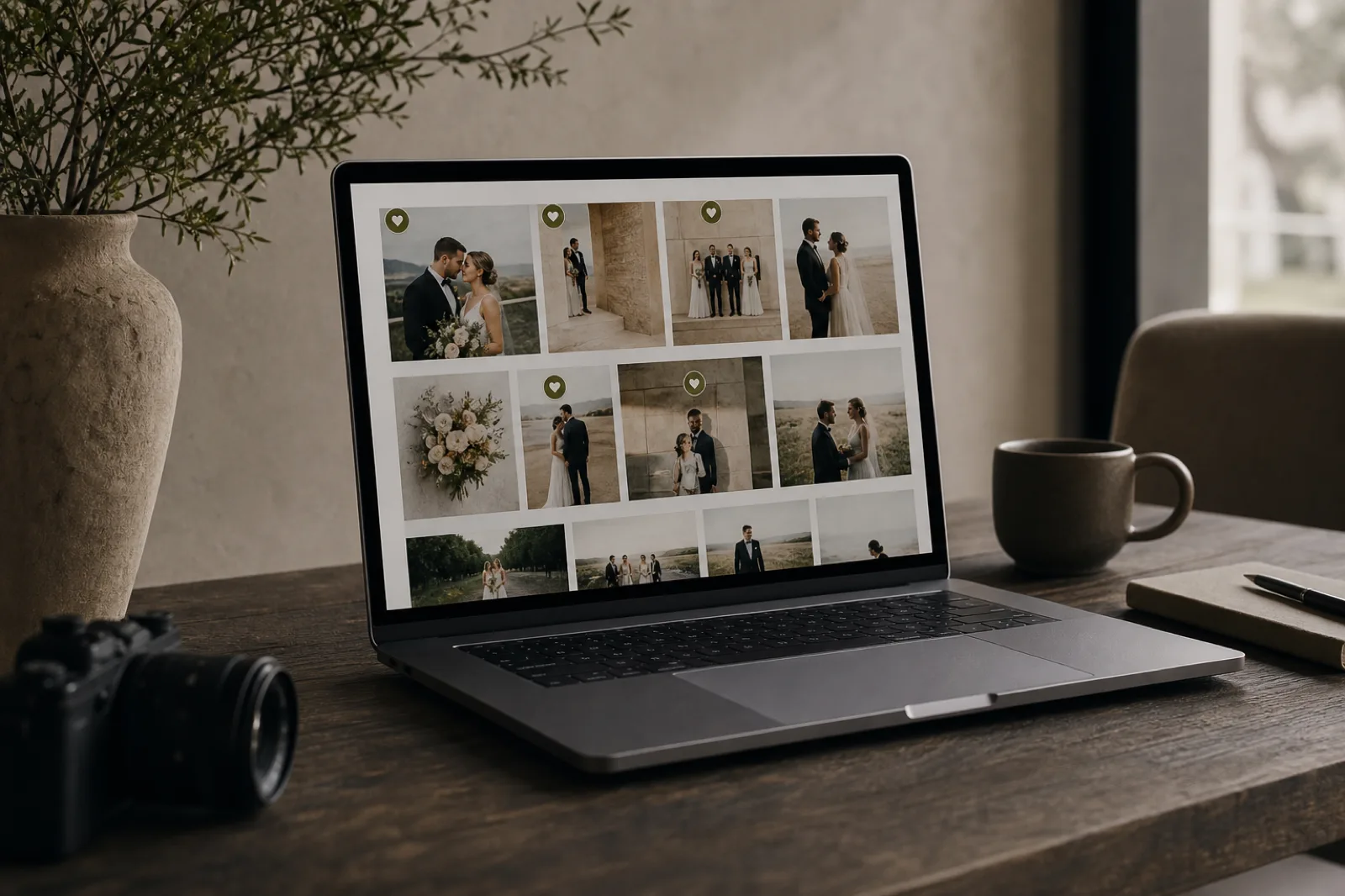
Choosing final images is often the slowest part of a job: “I like these…”, screenshots, shared folders, and conflicting versions. A clear client photo selection workflow (also called client proofing) shortens that back-and-forth and makes the deliverable obvious.
In Ftens you can create a selection-mode gallery (Pro plans and above): the client gets a private link, marks favorites, leaves notes, and you review everything in the dashboard before publishing.
What client photo selection is
It is a step before the final public gallery. You upload the media (photos and optional videos). The client reviews it in a mobile-friendly experience, marks what they want, and can add per-image comments.
When they finish, you can:
- Filter by selected items or items with notes
- Download a ZIP of only the selected media
- Delete unselected files if you no longer need them
- Publish the gallery on the project when you are ready
While this flow is active, the gallery stays hidden from the public project page, so nobody sees a half-finished draft.
Why it beats Drive or WhatsApp
| Approach | Common pain | With in-gallery selection |
|---|---|---|
| WhatsApp / email | Endless threads, compressed files | One link, clear picks |
| Drive / Dropbox | Folders without photo UX | Lightbox, notes, favorites |
| “Here’s a PDF” | Hard to update at scale | Reopen or reset with control |
You also keep brand consistency: the client chooses inside your experience, not a generic folder.
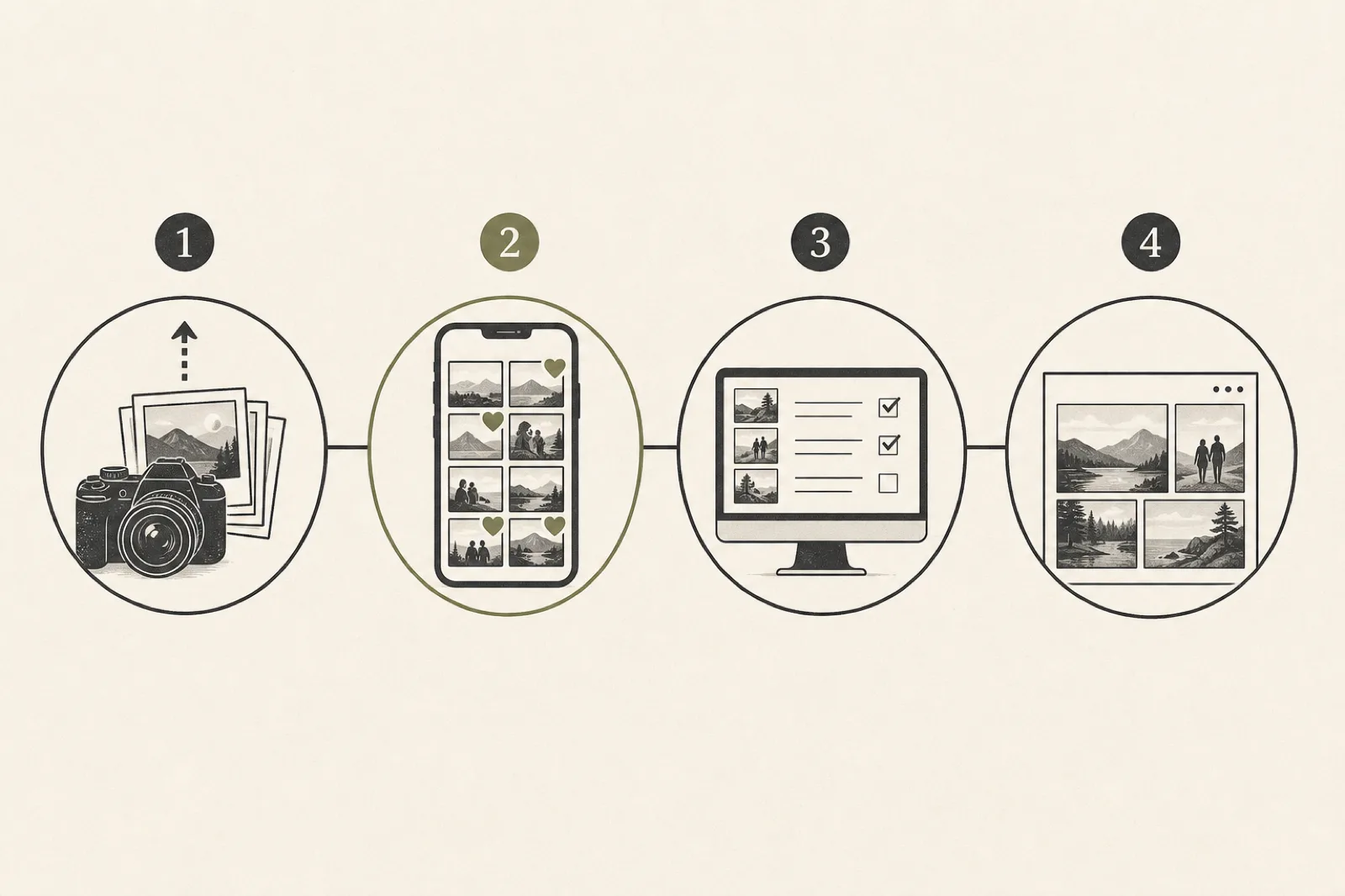
How the Ftens flow works
1. Create a selection-mode gallery
When creating a gallery, choose Client selection (draft) instead of a standard gallery. Upload ready photos and videos.
2. Generate and share the private link
From the selection panel you generate the link, copy it, or open the selection page to preview it. Send it by email or WhatsApp with a clear brief: deadline, approximate number of favorites, and whether notes are welcome.
3. The client marks favorites and notes
The experience is built for mobile: progressive media loading, a stable lightbox when adding notes, and smooth navigation. Clients do not need a Ftens account.
4. You get notified and review in the dashboard
When they submit, you receive an email summary (photos, videos, notes). In the gallery you can filter, download selected media, and decide whether to remove the rest.
5. Publish (or reopen / reset)
If the client needs changes, reopen selection. If you need a clean slate (new brief, new package), reset with typed confirmation: marks and notes are cleared and a new link is issued; the old one stops working.
Best practices so clients choose well
- State the package count before sending the link (“pick 40 favorites”).
- Set a deadline (48–72 hours works well for weddings and events).
- Explain notes: “use the note if you want B&W or a crop”.
- Separate proofing from final delivery: select first, then publish the final gallery.
- Read notes before retouching to avoid rework.
Where it helps most
- Weddings and events: album or premium deliverable pre-selection
- Family / newborn: choices without flooding phones with ZIP files
- Corporate and product: per-image feedback with context
- Second rounds: a fresh link after reset when the brief changes
For the final handoff, pair this with a professional online gallery delivery and, for wedding work, the wedding gallery guide for photographers.
Availability and plans
Client selection is designed for Pro+ workflows: private link, dashboard review, ZIP download of selected media, and lifecycle control (draft → open → submitted → published).
See plans or try the flow when creating a new gallery in the dashboard.
FAQ
Does the client need an account?
No. They open the private link you generate.
Can they see the public gallery while selecting?
No. In this mode the gallery is not shown on the public project until you publish after review.
What if they pick the wrong images?
You can reopen selection so they edit, or reset everything with a new link if the brief changes.
Does it work for videos too?
Yes — clients can mark photos and videos and leave notes on both.
If you want clean online proofing without losing creative control, client selection in Ftens is built for that.