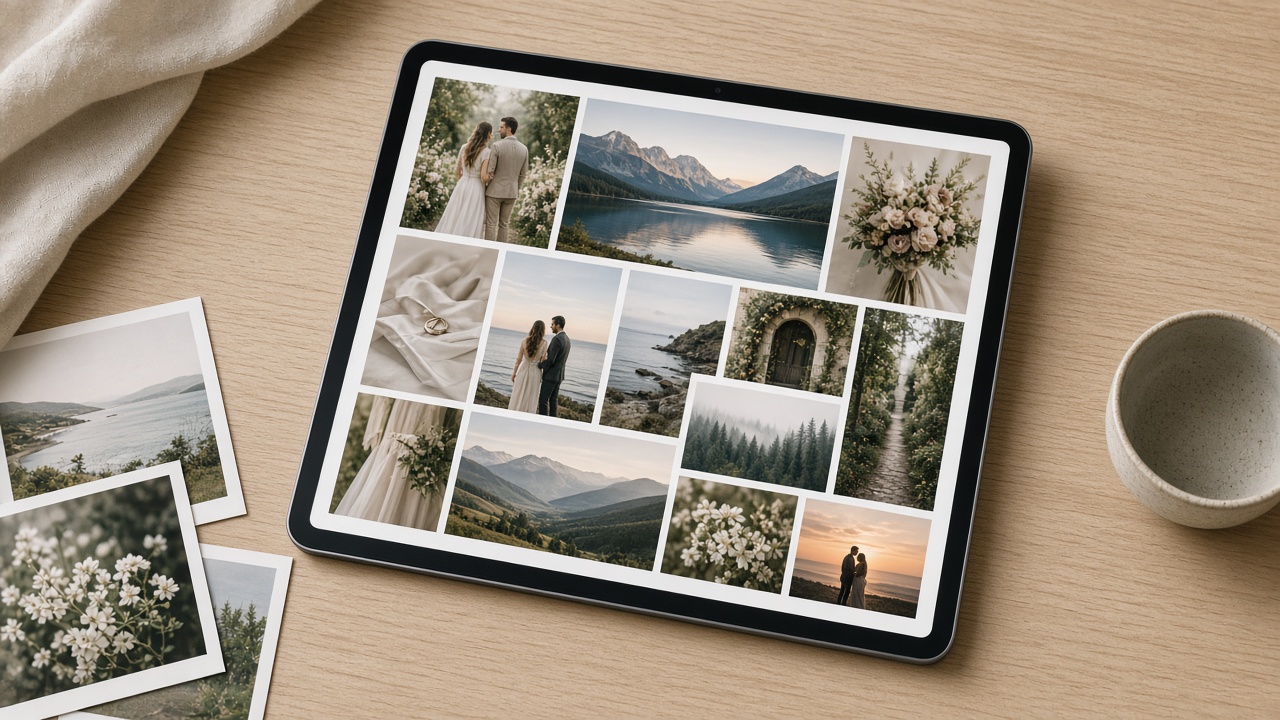
An online photo gallery is a web page, public or private, that brings together the photos from a session or event so they can be viewed, downloaded, chosen or bought from any device through a single link. For photographers it's the standard way to deliver work. Creating one is simple: pick a gallery platform, create the gallery, upload the photos, decide who can view and download them, and share the link with your client.
The key is choosing the right type of gallery for each job. Delivering a wedding isn't the same as selling race photos or asking a client to pick favorites. In this guide you'll see which types exist, what a good gallery needs and how to create yours step by step.
What an online photo gallery is (and isn't)
An online gallery is built for looking at photography: an image grid, an enlarged view, careful ordering and a presentation that matches your brand. That sets it apart from other ways of sharing photos:
- It isn't a cloud folder. A Drive or Dropbox folder shows files; a gallery shows photos. Clients shouldn't have to decode file names to enjoy their session.
- It isn't a social media album. Social networks crop and compress images and are built for reach, not private delivery.
- It isn't exactly a portfolio. Your portfolio is your public showcase of your best work. A gallery is usually the space for one specific client or event, often private.
Types of online photo galleries
This table sums up the most common types and when to use each:
| Gallery type | What it's for | Who has access | Typical example |
|---|---|---|---|
| Public | Showing or sharing without friction | Anyone with the link | Open event, sample gallery |
| Password-protected | Delivering sensitive sessions | Whoever has the link and password | Wedding, newborn, corporate portraits |
| View-only | Showing without allowing downloads | Whoever has access | Preview before final delivery |
| Paid (sales) | Selling single photos or packs | Anyone can see the preview; buyers download | Races, tournaments, school events |
| Selection (proofing) | Letting the client mark favorites | The client, via a private link | Choosing photos for an album |
| Collaborative (guest photos) | Collecting photos from attendees | Guests, moderated by the photographer | Wedding reception, party |
| Portfolio | Winning new clients | Public | Photographer's showcase page |
In practice, one job may go through several: first a selection gallery, then a private one for final delivery and, if there are guests, a collaborative or paid one.
What a good online photo gallery needs
Before creating your first gallery, make sure the platform covers these points:
- It looks good on mobile. Most clients will open the link on their phone.
- It loads fast. Photos are shown in web-optimized versions, and the final file is reserved for download.
- It respects your order. You should be able to reorder photos to tell the story of the session.
- It has a cover and context. Gallery name, description, date and location help clients find their way.
- It controls access. Public or password-protected, with or without downloads.
- It makes downloading easy. Photo by photo, and the full gallery too.
- It keeps your brand. Design templates, your logo and a watermark if you need one.
- It has a stable link. One that doesn't expire when the client comes back for their photos months later.
- It gives you data. At least how many times it was viewed and downloaded.
How to create an online photo gallery in 6 steps
Whatever tool you use, the process is similar:
- Select and edit before uploading. Don't mix proofs and finals in the same gallery.
- Create the gallery with a clear name (for example "Ana & Luis Wedding – Full Gallery").
- Upload the photos and put them in order.
- Choose the access type: public, password-protected, view-only, paid or selection.
- Review it on your phone as if you were the client.
- Share the link with a short message explaining how to get in and what they can do.
How to create your online photo gallery with Ftens
In Ftens, galleries live inside projects: you can have one project per studio, per client or per type of work, with several galleries in each.
1. Create the gallery
From the dashboard, under New gallery, choose the project and fill in the name (visible to your clients). Optionally add a description, the event date and the location.
2. Set privacy
The same screen has the privacy settings:
- Public gallery (visible without password): keep it checked if anyone with the link should see it.
- Password: if you set one and uncheck "Public gallery", visitors will need to enter it to get in.
- Allow downloads: uncheck it for a view-only gallery.
You can also password-protect an entire project.
3. Upload and order your photos
Drag your images in or select them from your computer. JPEG, PNG, WebP, RAW, CR2 and CR3 are supported, and from the Basic plan you can also upload videos and bulk import full folders. Then reorder photos by dragging them: that same order is what your client sees in the public gallery.
4. Choose the design
Ftens includes project and gallery templates: Sofía and Marco on every plan, Clara from Basic, and the premium ones (Leo, Amira, Nico and Elena) on Pro and Advanced. More in design templates for galleries.
5. Pick the mode: delivery, selection, guests or sales
- Standard delivery: the client views and downloads photos according to your settings. They can also request a ZIP of the gallery, which arrives by email.
- Client selection (Pro and Advanced plans): the client marks favorites and leaves notes through a private link before you publish the gallery. See client photo selection.
- Guest photos: a QR code or link so attendees can upload photos, which you moderate before publishing (Pro and Advanced plans). See share your gallery with a QR code.
- Paid gallery: watermarked preview and sales per photo, per pack or for the whole gallery with Stripe, available on all plans. See sell your galleries from Ftens.
6. Share and measure
Copy the gallery link and send it. In the dashboard you'll see the views and downloads for each gallery. Advanced analytics are included from the Basic plan.
Which gallery type to use for each session
| Session | Recommended gallery | Why |
|---|---|---|
| Wedding | Selection + password-protected (+ guests) | Privacy, album selection and guest photos |
| Sports event or race | Paid | Each participant buys their own photos |
| Corporate | Password-protected | Confidentiality and access for the marketing team |
| Family or newborn | Private, with or without selection | Privacy and choosing without overloading a phone |
| Showing your work | Public or portfolio | Visibility and client acquisition |
Industry guides: wedding galleries and corporate photography.
Common mistakes when creating an online gallery
- Uploading without culling: hundreds of near-identical photos tire the client.
- Leaving a private session public: check privacy before sending the link.
- Sending the link without instructions: explain whether there's a password and how to download.
- Not checking the order: the first photo makes the first impression.
- Using the delivery gallery as a portfolio: your showcase should be a separate public selection.
Frequently asked questions
What is an online photo gallery?
It's a web page that groups the photos from a session or event so they can be viewed, downloaded, chosen or bought from any device through a single link. It can be public or password-protected.
How do I create an online photo gallery for free?
Sign up for a platform with a free plan, create a gallery, upload the photos, choose the privacy settings and share the link. On Ftens the Free plan includes 1 project and 5 galleries; on that plan downloads carry a watermark, which goes away from the Basic plan up.
What's the difference between a public and a private gallery?
A public gallery can be seen by anyone with the link. A private gallery requires a password, which makes it the right choice for weddings, family sessions or corporate work.
Can I stop clients from downloading photos?
Yes. On Ftens just uncheck "Allow downloads" in the gallery: the client can view the photos but not download them. In a paid gallery, only purchased photos can be downloaded.
Can I add videos to an online photo gallery?
It depends on the platform. On Ftens you can upload videos (MP4, WebM, MOV, AVI or WMV) alongside photos from the Basic plan up (Basic, Pro and Advanced).
How is a gallery different from a portfolio?
A gallery is usually the space for one specific client or event, often private. A portfolio is your public showcase of your best projects, designed to win new clients.
Create your first gallery today
A good online gallery shows your work the way it deserves and saves you "can you resend it?" messages. Create your free Ftens account, upload your next session and share the link in minutes. If you're comparing tools, start with how to choose a platform for photographers.