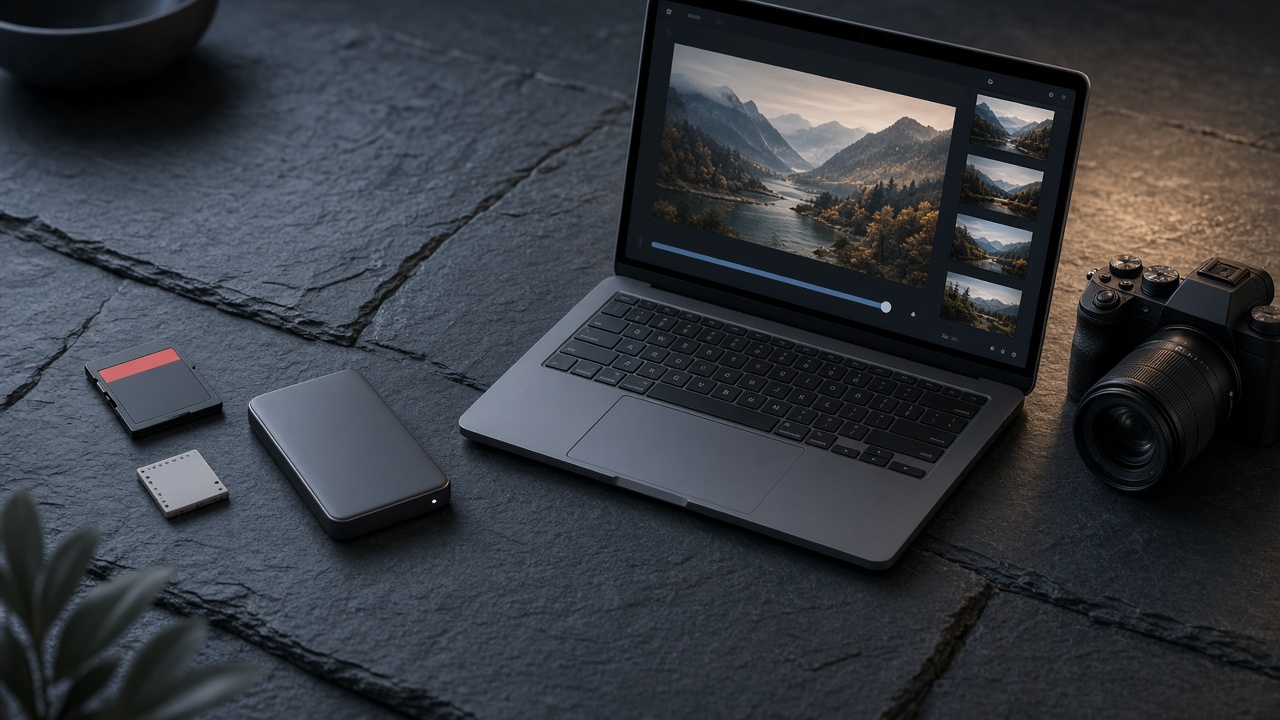
It depends on why you're uploading them. For backup, use your own drives plus a cloud backup. To deliver to clients, use a private gallery. To show your work, a portfolio. To promote it, social media. The most common mistake is using one place for everything: Drive as archive, delivery tool and portfolio at the same time, or Instagram as your only "website". Each destination has a purpose, and combining them well saves time and protects you from losing work.
In this guide we compare where to upload your photos as a photographer depending on the goal, with the pros and cons of each option, a recommended workflow and how to do it with Ftens.
One destination per goal
| Goal | Where to upload | Why | What to avoid |
|---|---|---|---|
| Not losing them (backup) | External drives, NAS and a cloud backup | Redundancy and control of originals | Keeping a single copy |
| Delivering to a client | Private online gallery | Single link, privacy, polished download | Chats that compress, links that expire |
| Letting the client choose | Selection (proofing) gallery | Favorites and notes in one place | Screenshots and emails with file numbers |
| Selling photos | Paid gallery | Protected preview and built-in payments | Orders by message and manual transfers |
| Showing your work | Portfolio or your own website | Professional showcase and your domain | Relying on social media alone |
| Reach and attraction | Social media | Reach | Using it as an archive or delivery channel |
Option by option: pros and cons
External drives and NAS
They're the foundation of any professional archive: you keep originals (including RAW files) under your control. Their weak point is that they sit in one physical place. A widely used practice is the 3-2-1 rule: three copies, on two different media, with one of them off-site.
General-purpose clouds (Google Drive, Dropbox, OneDrive, iCloud)
They're useful as an off-site copy and for passing files to collaborators such as an editor or a print lab. As a delivery channel they fall short: they show folders and file names instead of an experience built for viewing photography, and they don't carry your brand.
Transfer services (WeTransfer-style)
They work for sending a batch of files once. For delivering sessions they have two problems: links usually expire, and the client gets a download, not a gallery. If the client comes back for their photos months later, you have to resend. More in alternatives to WeTransfer and Drive for photographers.
Social media
Essential for visibility, but neither an archive nor a delivery channel: networks compress and crop, the format overrides your edit, and you don't control privacy. Use them to show a selection and drive traffic to your portfolio.
WhatsApp and messaging apps
Handy for coordinating, poorly suited for delivering: images get compressed easily and photos get lost in the chat. We explain it in why you shouldn't send client photos on WhatsApp.
Gallery platforms for photographers
They're built for the part that takes the most time, delivery. They offer galleries with privacy, download controls, client selection, sales and, in some cases, a portfolio. They don't replace your backup: they're the destination for the final photos you share.
Portfolio and your own website
Your permanent showcase, with your best projects and your domain. Ideally it's connected to your galleries so you don't duplicate work. See online portfolio for photographers.
Recommended workflow: from memory card to client
- Offload the card and make at least two copies before formatting it.
- Upload the off-site copy to your cloud backup.
- Cull and edit. If the client should choose, prepare a selection gallery.
- Export the finals in the agreed delivery format (usually JPEG).
- Upload the finals to a private gallery and share it with your client.
- Pick 10–20 photos for your portfolio and, with the client's permission, a selection for social media with a link to your portfolio.
Which format to upload where
| Destination | Usual format |
|---|---|
| Backup | Originals (RAW) and exported finals |
| Delivery gallery | Final JPEG at the agreed resolution |
| Portfolio | Web-optimized JPEG |
| Social media | Export adapted to each network's format |
In the delivery gallery, upload only what the client should receive. Mixing rejects and finals confuses people and multiplies questions.
How to upload your photos to Ftens
Ftens is the destination for your deliveries, selections, sales and portfolio. There are three ways to upload photos:
1. Drag and drop
Open the gallery in the dashboard and drag in your images or select them from your computer. JPEG, PNG, WebP, RAW, CR2 and CR3 are supported. For delivery, uploading the final JPEGs is still the recommended approach.
2. Full folder (from Basic)
With the Full folder option you upload a folder of photos and videos in one go. It's ideal for events with lots of files. This is bulk import, included in Basic, Pro and Advanced.
3. Desktop agent (Pro and Advanced)
You install the agent on your Mac or PC, generate a token in the dashboard and choose a watched folder. Each subfolder maps to a project and, inside it, to a gallery (for example MyFolder/project/gallery/photo-001.jpg). Photos you drop there upload automatically. The agent is included in the Pro and Advanced plans.
After uploading:
- Reorder photos by dragging them; the public gallery shows that same order.
- Add videos (MP4, WebM, MOV, AVI or WMV) from the Basic plan.
- Set privacy: public or password-protected, with or without downloads. Guide: how to share photos with clients privately.
- Share the link. If you're not sure which type of gallery to use, see online photo gallery: what it is and how to create one.
For your portfolio, Pro and Advanced plans include a public page at ftens.com/p/your-name with your featured projects.
Common mistakes when deciding where to upload your photos
- Trusting a single copy, even in the cloud.
- Delivering from your backup folder: you overshare, with no visual context.
- Using Instagram as your only portfolio: you don't control format or reach.
- Uploading RAW files to the client gallery when the job is to deliver edited photos.
- Not ordering or naming galleries: "Ana & Luis Wedding – Ceremony" beats "Gallery 3".
Frequently asked questions
Where is the best place to upload my photos?
It depends on the goal. For backup, your own drives plus a cloud backup. To deliver to clients, a private online gallery. To show your work, a portfolio. To promote it, social media with a link to your portfolio.
Is Google Drive good for delivering photos to clients?
It works for moving files, but it isn't designed to present photography: the client sees folders and file names, without your brand. For regular deliveries, a private gallery built for photographers is a better fit.
Can I upload RAW photos?
On Ftens, uploads support RAW, CR2 and CR3 as well as JPEG, PNG and WebP. Even so, when delivering to a client it's usual to upload the final JPEGs and keep the RAW files in your backup.
How do I upload lots of photos at once?
On Ftens you can drag in many photos at once and, from the Basic plan, upload a full folder of photos and videos. Pro and Advanced also include a desktop agent that automatically uploads photos from a watched folder.
Does a gallery platform replace my backup?
No. A gallery platform is the destination for the final photos you share. Your originals should also be on your own drives and in an off-site copy.
Does uploading photos to social media reduce their quality?
Generally yes: social networks compress images and adapt them to their format. Use them to promote a selection and send clients to a gallery or portfolio to see the full work.
Start organizing your photos
Separating backup, delivery, portfolio and social media is the first step to working in an orderly way. For delivery and portfolio, create your free Ftens account and upload your next session to a private gallery. And if you're comparing tools, read how to choose a platform for photographers.