How to Share Your Gallery with QR and Collect Guest Photos 📸
Want to share your gallery at an event and let guests contribute without losing control? At weddings, parties, or corporate shoots, hundreds of shots never leave other people's phones. With Guest photos in Ftens, you create a QR or link, collect uploads in one place, and you choose what goes live.
Why share your gallery this way (not just WeTransfer)
- More event coverage without chasing chat threads
- One link or QR for everyone
- Professional control: moderation before publish
- Same brand as your Ftens delivery
Clients get richer memories; you keep your quality bar.
How it works in three steps
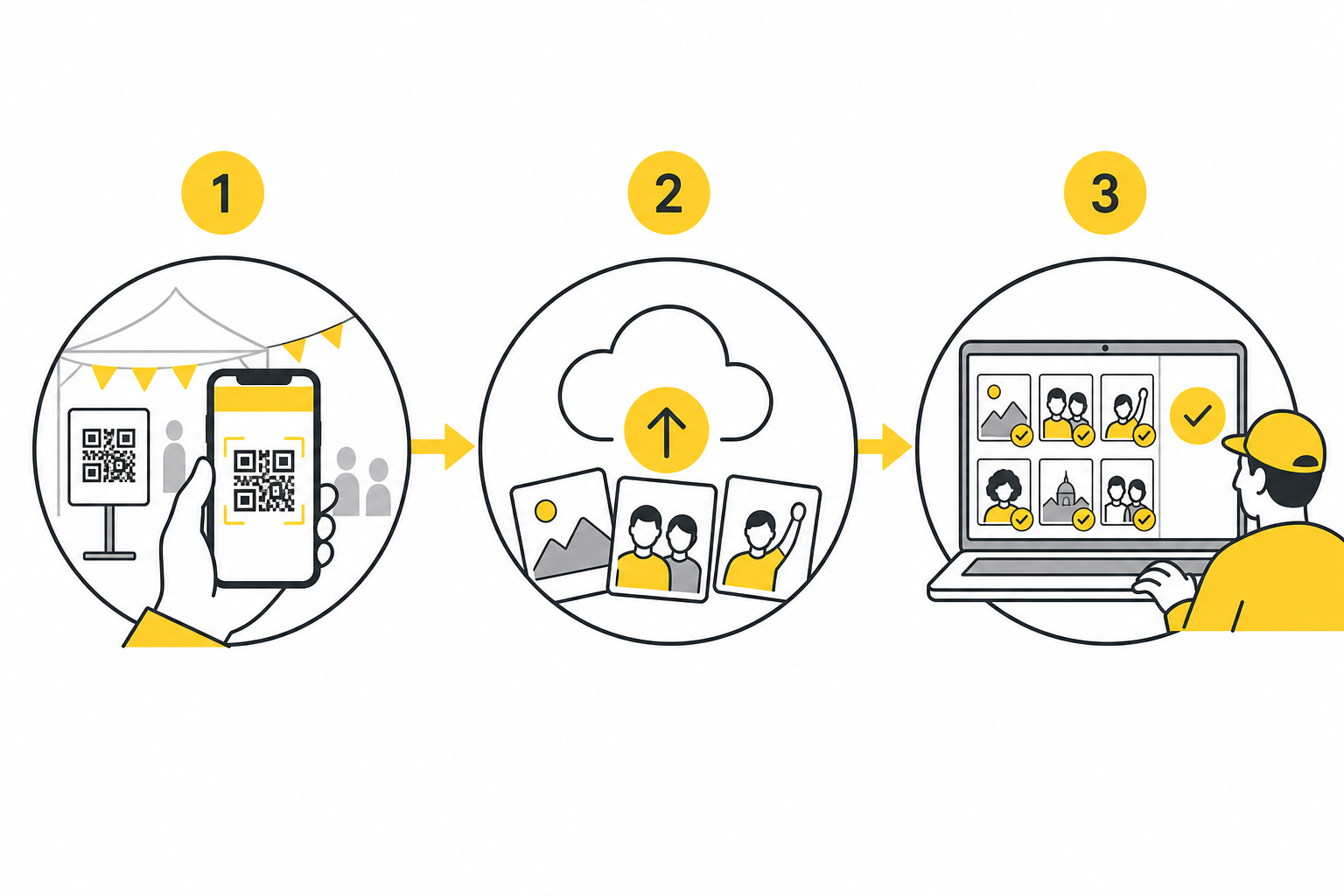
1. Share from your gallery dashboard
On any eligible gallery (Basic plan and up), enable Guest photos. You get a link and QR ready to print or send.
2. Guests upload from their phone
Scanning the QR opens a simple page: email, photos (JPEG, PNG, or WebP), submit. Password-protected galleries require the same password first — sharing the link does not bypass privacy.
They get a confirmation email; you get a review alert.
3. You moderate and publish
In Review pending, approve or reject. Approved images join your gallery with your usual watermarking and workflow.
QR, printable poster, and visible password
- QR PNG for social
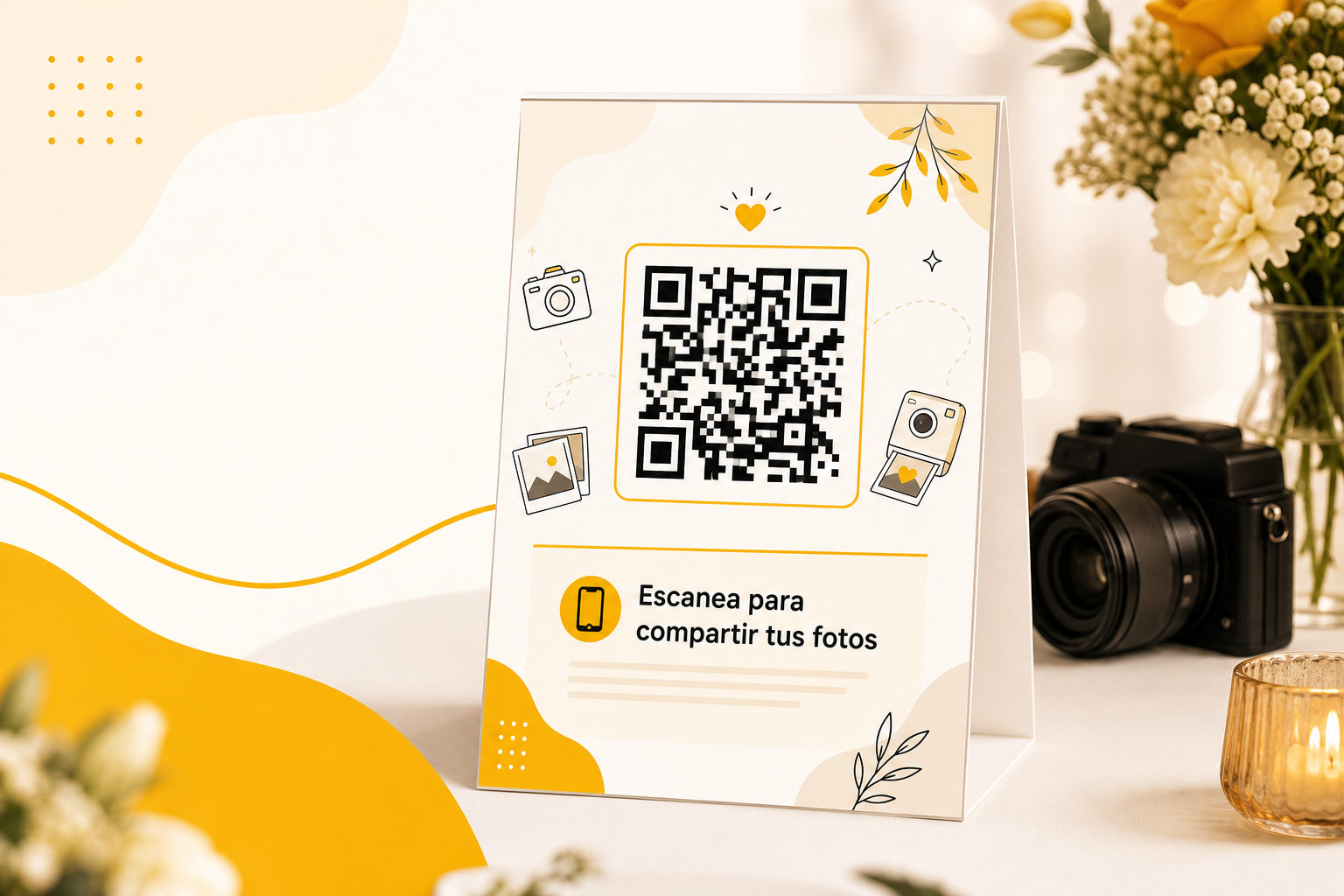
- Downloadable poster with event name and “Scan to share your photos”
- Show password on poster for private galleries (Access code: …)
The link stays valid until you regenerate it (old QR codes then stop working).
Limits and important rules
| Topic | Behavior |
|---|---|
| Paid sales galleries | No guest contributions |
| Free galleries | Available per plan |
| Moderation | Queue and per-email caps per plan |
| Security | Turnstile, rate limits, signed sessions |
| Privacy | Gallery password required on upload too |
Automatic emails
- Guest: confirmation on submit; notice when you approve
- Photographer: new pending alert (your account language)
Perfect for weddings, parties, and events
- Reception table QR tents
- Entrance posters or stories
- Private corporate galleries
- Sports and festivals with active crowds
Availability
From the Basic plan. Compare pricing.
Start on your next event
- Create the event gallery
- Enable Guest photos and share the QR
- Print the poster on the day
- Review and publish the next day
Sign up for Ftens and share your next gallery like a pro.